CONTOUR LAYOUT OF PARTS
Automatic DXF nesting online
Upload DXF files — we will check them and show part previews.
Set quantities, material sheet size and spacing — get the layout and finished DXF.
From finished contours
to a ready-to-cut layout
A part is one piece to cut out. Holes and cutouts inside it are allowed.
Files containing several separate parts are not accepted, even if they are identical. Save each part in a separate DXF and set the number of copies after uploading.
Nest parts by their contours
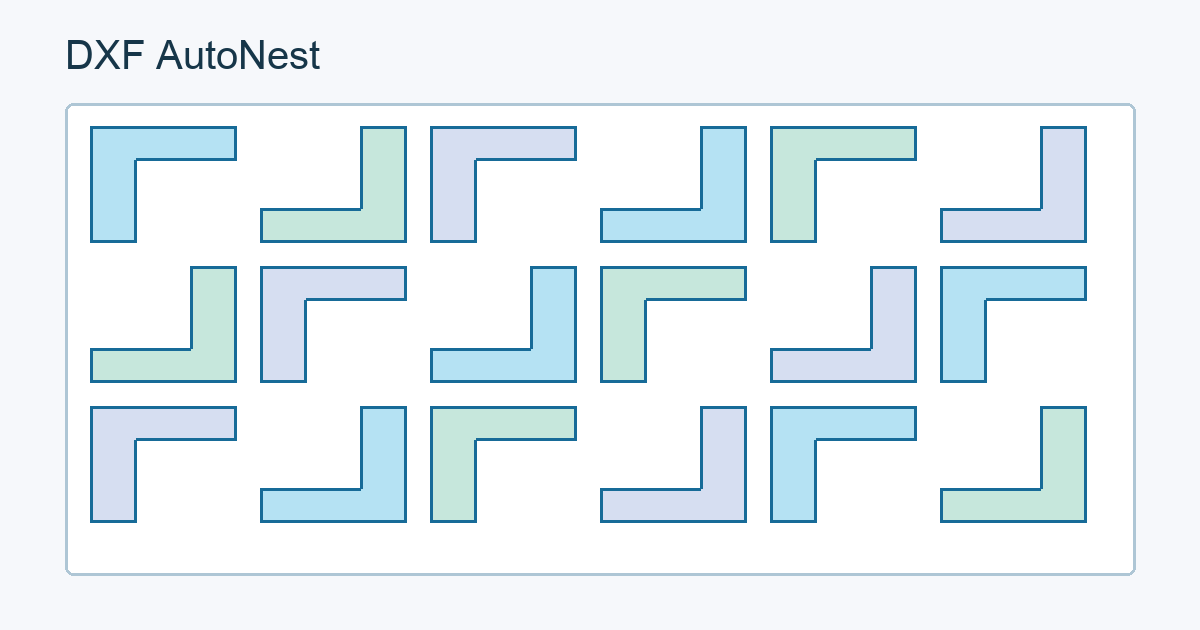
Arrange parts using their shapes, required spacing and allowed rotations. We search for a denser layout within the calculation time; a mathematically optimal layout is not guaranteed.
DXF nesting questions
Can one DXF contain several separate parts?
No. Save each separate part in its own file. Holes and internal cutouts in a single part are allowed. Set the number of copies after uploading.
What will I get after calculation?
A layout image and DXF for each sheet, plus one ZIP archive. Contours and holes are preserved; check the file in your CAM system before cutting.
What are the beta limits?
Up to 10 files of 10 MB each, 200 copies in total and 10 minutes per calculation. Dimensions are in millimeters. If parts do not fit on one sheet, the layout may use several sheets.